


Black Friday 2026 falls on Friday 27 November, with Cyber Monday following on Monday 30 November. For anyone in Malta planning to buy a laptop, monitor, SSD or smartwatch, these are good days to shop, provided you can tell a genuine reduction from clever presentation. A crossed-out price next to a bold percentage proves nothing on its own; what matters is the price it was measured against and the hardware you actually receive.
This guide explains the EU 30-day lowest-price rule and the role of Malta's consumer authority, gives you a simple lookback calendar, decodes phrases such as “up to 70% off”, shows how older hardware gets dressed up as a deal, and lists what to verify on each product type. A checklist and an FAQ close the article. It is 5 November today, so you still have more than three weeks to watch prices quietly before the rush.
Your lookback calendar for 2026
The rule looks backwards from the day a reduction starts, not forwards from Black Friday. That is why the starting date of each promotion matters. Many retailers open their Black Friday offers well before 27 November, so the reference window shifts earlier with them.
| Promotion starts | 30-day reference window begins | What to check |
|---|---|---|
| Friday 20 November | Around 21 October | Was the price higher only in the last few days? |
| Friday 27 November | Around 28 October | Does the “was” price match the lowest price in that window? |
| Monday 30 November | Around 31 October | Is Cyber Monday simply the Black Friday price again? |
Start your own notes now. Even a few entries from early November are valuable evidence when a retailer later shows a dramatic “before” price.
What the 30-day rule says
Directive (EU) 2019/2161, known as the Omnibus Directive, amended the Price Indication Directive 98/6/EC. When a trader announces a price reduction, it must also state the prior price, meaning the lowest price it applied for at least 30 days before the reduction. In Malta, consumer matters are handled by the Malta Competition and Consumer Affairs Authority (MCCAA), whose consumer section is the natural starting point for questions about unfair pricing.
The European Commission describes the wider framework on its consumer protection law page. The practical lesson is simple: a reduction should be measured against what the shop really charged recently, not against a list price it never used.
What counts as the “prior price”
It is the lowest price the same seller applied in the previous 30 days. If a product sat at one price for three weeks, was raised for a few days and then “reduced”, the honest comparison remains the lowest price of the window, not the temporary peak.
What you can do if it looks wrong
Ask the retailer which price the discount is based on. If you do not receive a clear answer, contact the MCCAA. For cross-border purchases within the EU, the European Consumer Centres network at ECC-Net offers free advice.
A discount percentage is a claim; the reference price is the evidence.
Keep your own price diary
Pick up to three products you really intend to buy and note their price once or twice a week from the same shop, with a dated screenshot. A phone note or a small spreadsheet is enough. After three weeks you will know whether the “big” discount is real.
Compare across shops too, but match the manufacturer's exact model code. One marketing name can hide several versions with different processors, memory or storage, and a mismatch makes any comparison meaningless.
Decoding “up to 70% off”
“Up to” announces the maximum, not the typical saving. The headline figure usually applies to a handful of items, often accessories or end-of-line stock, while the rest of the range is reduced far less. Open the specific product page and look for the reference price there.
Also think in euros rather than percentages: 30% off a cable is small money, while 10% off a laptop can be considerable. Work it out yourself: lowest price in the last 30 days minus the offer price.
Old hardware, new banner
Black Friday is when warehouses clear previous-generation stock. That is not wrong, but you should know what you are buying. A very low price on a laptop with a processor several generations old, 8 GB of RAM and a 256 GB drive may simply be the fair price for that specification. The same goes for monitors with a 60 Hz TN panel and smartwatches two generations back without guaranteed updates.
Ask whether a newer model exists in the same budget with clearly better specifications. If it does, the saving may not justify the compromise.
| Product | Warning sign | What to verify |
|---|---|---|
| Laptop | Old CPU generation, 8 GB RAM, HDD only | Exact CPU model, upgradable RAM, SSD type |
| Monitor | TN panel, 60 Hz, vague resolution | Panel type (IPS, VA), refresh rate, video ports |
| SSD | Only an “up to” speed, no endurance data | Interface (NVMe or SATA), capacity, manufacturer TBW |
| Smartwatch | Previous generation, limited phone support | Operating system, GPS, battery life, water resistance |
Laptops: specifications before payment
In the Laptops & Notebooks category, begin with the processor: read the full model name and generation, not just the family. For everyday use 16 GB of RAM is a sensible baseline today, whereas 8 GB soldered to the board limits the machine's useful life. For storage, an SSD of at least 512 GB spares you from living with external drives.
The display deserves more weight than most buyers give it: an IPS panel, Full HD or better, and decent brightness. Then check ports, battery and keyboard, because you live with those daily. A cheap laptop with a poor screen is rarely a good purchase.
Is it ready for Windows 11?
Windows 10 support ended on 14 October 2025. If the laptop ships with Windows 11, check Microsoft's official Windows 11 specifications: a compatible 64-bit processor, 4 GB of RAM, 64 GB of storage, UEFI with Secure Boot, TPM 2.0, a DirectX 12 compatible graphics card and a 720p display. Do not buy a computer that fails these just because it is cheap.
Monitors: panel, refresh rate and connections
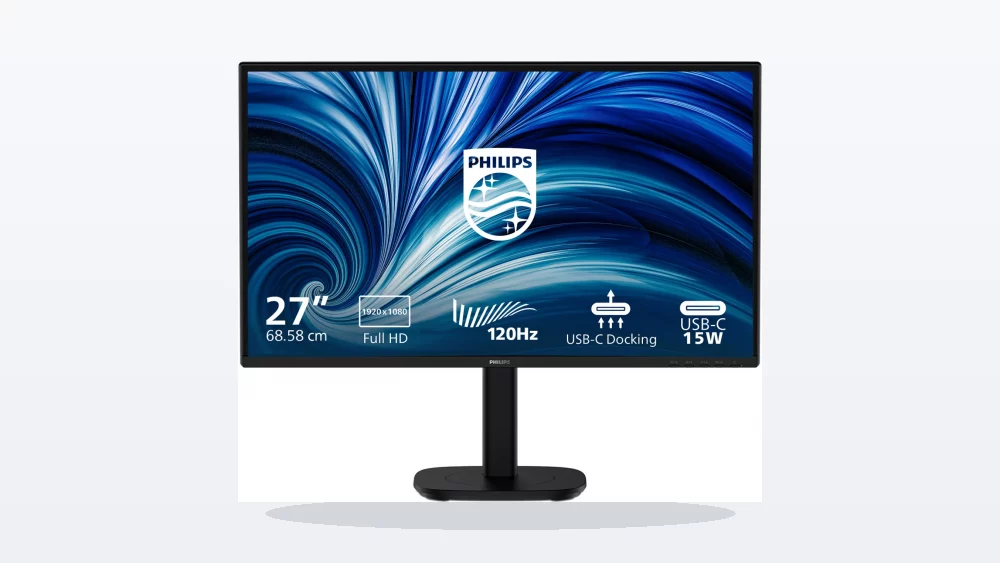
For Computer Monitors, the key facts are panel type, resolution and refresh rate. IPS panels generally give better viewing angles and colour, VA offers deeper contrast, and TN is often the cheapest with narrower viewing angles.
For office work 60 Hz can be enough; for gaming, higher refresh rates are obvious immediately. Check the inputs (HDMI, DisplayPort, USB-C) and, when HDR is advertised, look for an independent certification such as the DisplayHDR programme. A bare “HDR” label without a tier guarantees nothing.
If the flyer only says “HDR”, ask: which tier, and which certification?
SSDs: speed, capacity and endurance
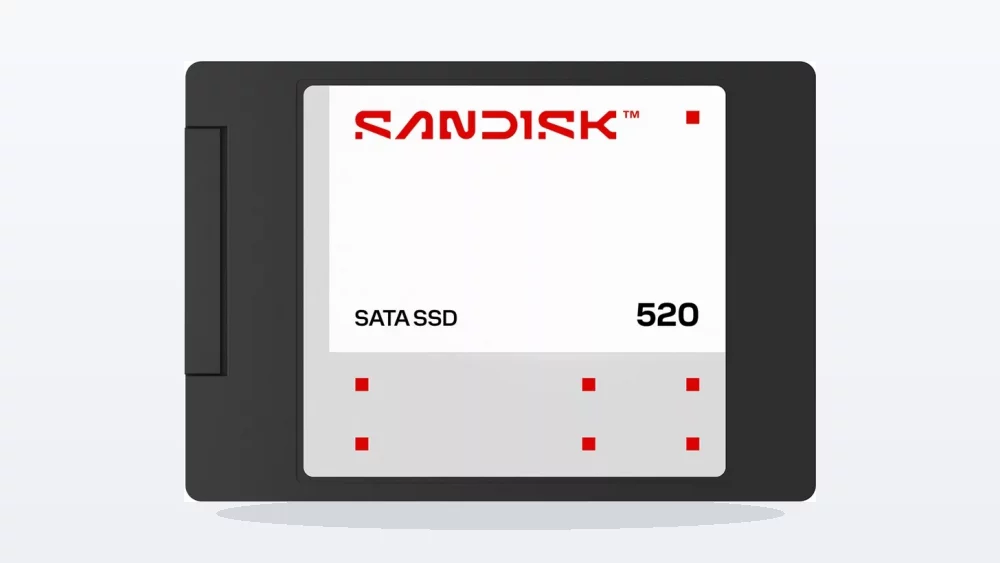
Adverts for Solid State Drives (SSD) highlight peak sequential read speed, a number that says little about daily use. Capacity, interface (NVMe or SATA), compatibility with your device and the endurance rating the manufacturer publishes, usually as TBW, matter more.
Check the slot as well: an M.2 socket may support NVMe, SATA or both, and inside a laptop physical space is limited. Memory and SSD prices rose across the market during 2026, so compare the whole package rather than only the price per terabyte.
Smartwatches: sensors and compatibility before style
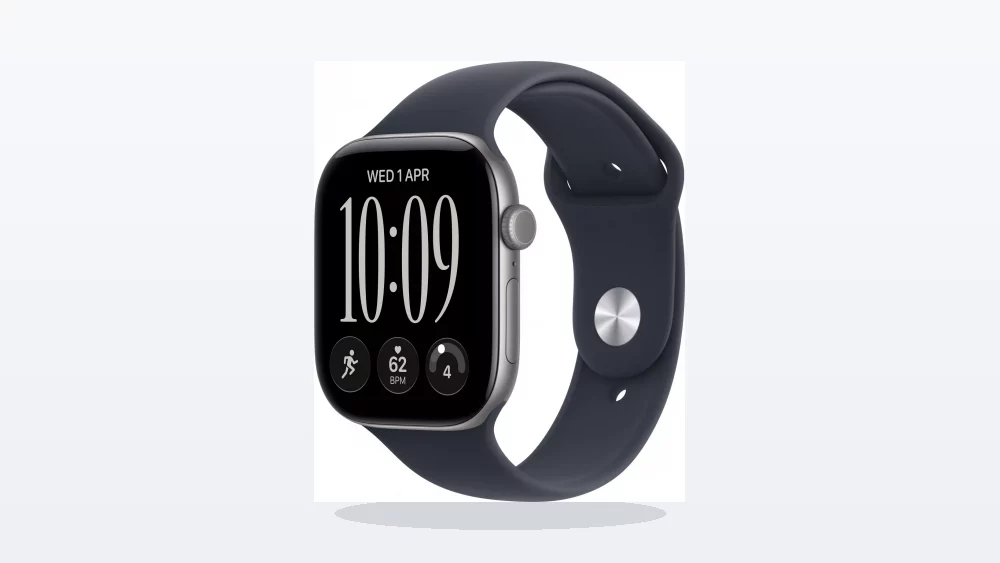
With Smartwatches, first confirm compatibility with your phone: not every watch works equally well with Android and iOS. Then look at the claimed battery life, built-in GPS, heart-rate sensor type and water resistance as stated by the manufacturer.
A previous-generation model can be a good buy if software updates continue; ask the manufacturer how long they are planned. Smartwatches are a popular Christmas gift, so promotional prices move quickly.
Graphics cards: last generation is fine at an honest price
If you are building a gaming PC, browse Graphics Cards (GPUs). A card from the previous generation can be excellent as long as it genuinely costs less than a month ago. Check video memory, power draw and the power supply you will need.
Remember that game launches shift demand: Rockstar Games has announced GTA VI for 19 November 2026 on PlayStation 5 and Xbox Series X|S, with no PC version announced. Do not buy a GPU on a rumour; verify the platform first.
Promotion phrases and the question behind each
Campaigns recycle the same formulas. Once you recognise them you stop confusing marketing with saving. The table pairs the most common phrases with the question worth asking.
| Phrase | What it can hide | Question to ask |
|---|---|---|
| Up to 70% off | The maximum applies to very few items | What is the discount on this product? |
| Crossed-out price | May be a list price, not the recent minimum | Is it the lowest price of the last 30 days? |
| Today only | The timer pushes a quick decision | Was the price the same last week? |
| Last units | Stock cannot be verified from outside | Is the same model available elsewhere? |
| Bundle | The discount is split unclearly | What does each part cost separately? |
Countdown clocks and limited stock
Countdown timers and “only 3 left” banners are designed to speed up your decision. They do not make an offer worse, but they do not make it better either. If a price really is the lowest of the period, it will still be so without a clock.
Price-tracking tools and their limits
Browser extensions and price-history services help, but they do not cover every shop or every variant of a model. Use them as a guide and combine them with your own diary. Make sure the tracked product is exactly the configuration you plan to buy.
The full cost: delivery, accessories and terms
A low product price can be cancelled out by delivery charges, mandatory accessories or costly add-on services. Always look at the final amount in the basket and compare it between shops. Check that prices include VAT and that no extra fees appear at checkout.
Read the returns and warranty terms before paying. A slightly higher price from a shop with clear terms is often a better purchase than a lower one from a shop where you are unsure what applies.
Bundles, accessories and Christmas gifts
Bundles look generous, but the discount is frequently calculated on the most expensive item. Break the package apart and check each item's price in the same shop. An accessory you would never have bought does not become a bargain because it is included.
If you are already buying Christmas presents, check the return period and exchange options. A laptop, monitor or smartwatch is a personal choice where size and compatibility matter. An SSD or accessory whose compatibility you know for certain is a safer gift.
Right of withdrawal and warranty
Online purchases in the EU carry a 14-day right of withdrawal (Directive 2011/83/EU), with exceptions such as sealed software and games once opened. A plain-language summary of guarantees and returns is available on Your Europe.
Keep the order confirmation, a screenshot of the offer and the reference price displayed. Warranty on devices follows the manufacturer's terms and applicable law, so keep the invoice as well.
Spotting a trustworthy online shop
A serious shop states its company name, contact details, returns conditions and any extra charges clearly. If these are missing, or the price is far below the rest of the market, be cautious. Never enter payment details on a site you are unsure about.
Also check that the product page names the exact model rather than a generic title. Complete, clear specifications suggest a seller who wants you to understand what you are buying.
Common Black Friday mistakes
- Buying the first “-50%” without checking the prior price.
- Confusing the manufacturer's recommended price with the shop's lowest price.
- Ignoring the basket total, including delivery and add-ons.
- Paying new-model prices for an outdated model.
- Not comparing the exact model code across shops.
- Being rushed by countdown clocks and “almost sold out” banners.
- Forgetting the right of withdrawal and its exceptions.
Shopping with a plan, not in a rush
Write a short list of what you genuinely need and set a maximum price for each item. If the offer falls below it, buy; if not, wait. A simple rule protects you from impulse decisions. The store's Black Friday page shows how promotions are presented.
After Cyber Monday, more offers arrive ahead of Christmas. If you cannot find what you want at the right price, it is not a lost chance: another will probably come.
Worked example: testing a discount step by step
Suppose you track a monitor for three weeks. In week one it is dearer, then it dips slightly, and just before Black Friday it rises again. On the day you see a crossed-out price and a large percentage. The right comparison is not with the crossed-out figure but with the lowest price in your diary and in the 30-day window.
If the offer price equals that minimum or is only slightly below it, the saving is small however big the percentage looks. If it is clearly lower, you have a real deal. The decision stays in your hands.
Before replacing an old device
Before swapping a laptop or SSD, make a full backup and confirm the new device can read it. Securely wipe the old drive before passing it on or recycling it. An old SSD can become a handy external drive with a simple enclosure.
Take devices you no longer use to an electronic-waste collection point rather than leaving them in a drawer for years.
Checklist before you press “Buy”
- Note the product's price on at least two dates before the promotion.
- Check that the crossed-out price is the lowest of the previous 30 days.
- Verify the exact model code and compare it between shops.
- Read the processor, RAM and storage.
- Check the monitor's panel type and refresh rate.
- Check the SSD's interface and compatibility.
- Read the withdrawal and manufacturer warranty terms.
- Calculate the total with every charge.
- Save the order confirmation and a screenshot of the offer.
Frequently asked questions
Is Black Friday always the cheapest time to buy?
No. Some products cost less before the campaign or when a new model appears. Your own price diary gives the answer.
Can a shop raise the price before reducing it?
It can change its prices, but when it announces a reduction it must state the lowest price of the previous 30 days. The MCCAA is the place to ask about unfair pricing in Malta.
What should I do if I suspect a misleading discount?
Ask the shop for the reference price and, if the answer is unclear, contact the MCCAA or a consumer organisation.
Is a previous-generation model worth it?
Yes, if the price is clearly lower and the specifications cover your needs. Find out how long software updates will continue.
Can I return something bought online?
In the EU you usually have 14 days to withdraw, with exceptions such as sealed software and opened games. Always read the terms.
A good purchase is decided with a list, not with a countdown.
Want to compare laptops, monitors, SSDs and smartwatches at your own pace? Visit DistriNode.mt and check current prices directly in the categories.
Leave a comment