
Account Contact
Your Cart
DPD & FedEx – delivery date on the product page
Need help? Ask our AI

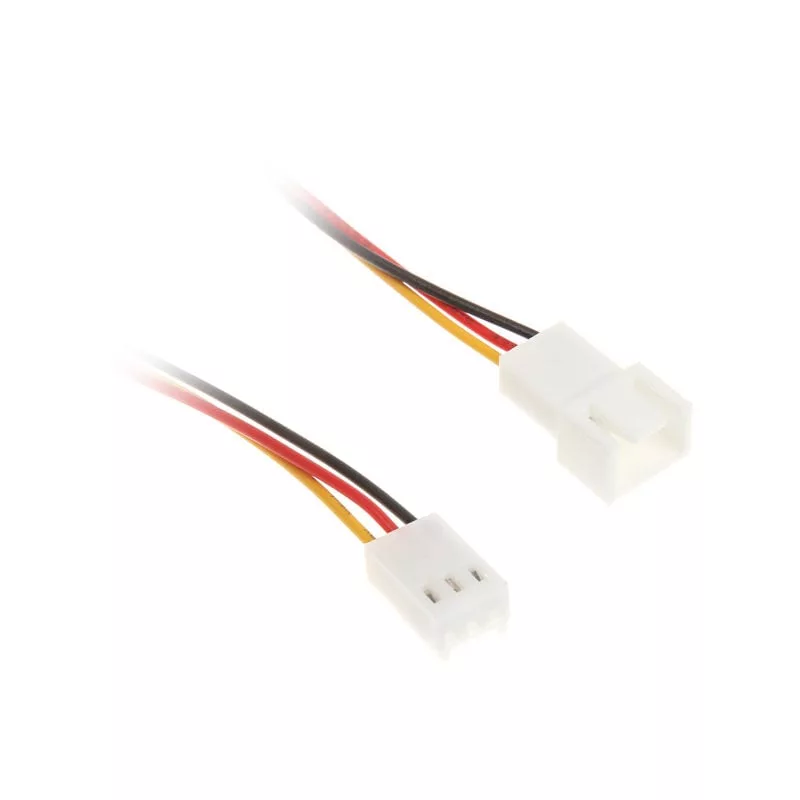
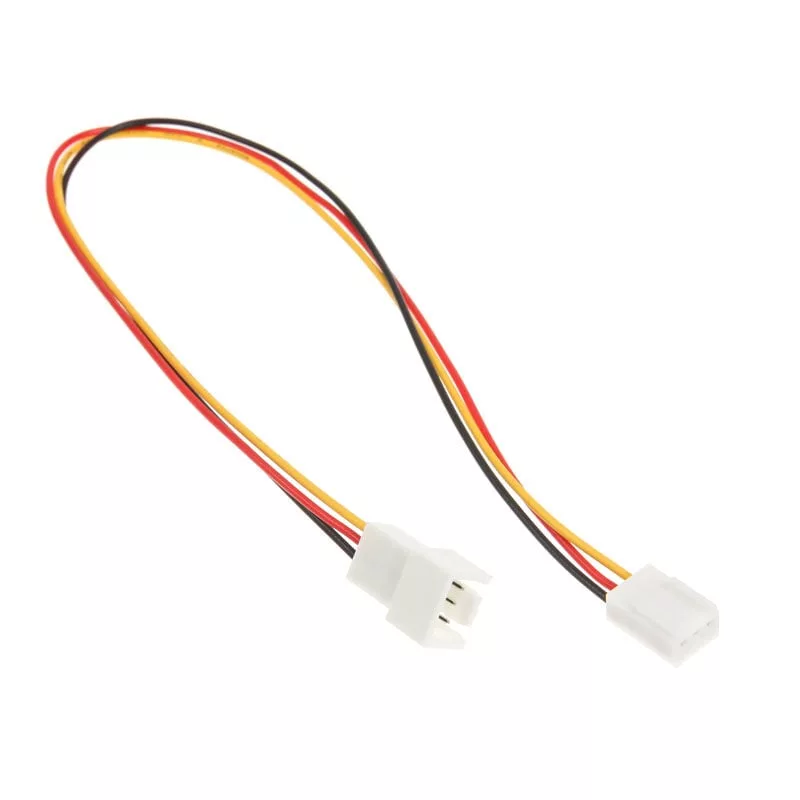
InLine Fan Cable Extension 3-Pin Molex Plug/Socket, Length 0.30m

InLine Fan Cable Extension 3-Pin Molex Plug/Socket, Length 0.30m
3.93 €
PDF
PDF
Stock 2527 Code 309308 Model 33328 Warranty 2 Years

Shipping & Returns

Estimated delivery Monday, 16 November
You will be kept updated through our detailed tracking system
Payment options
Bank CardVisaMastercardPayPalApple PayGoogle PayBank Transfer

Ask a question – the AI assistant answers instantly.

Description

The InLine Fan Cable Extension 3pin Molex male/female in 0.30 m length extends an existing 3-pin fan connection inside a PC. It provides a straightforward way to reposition or route case fans without altering the original wiring, supporting improved airflow management in desktop systems. The cable is multicolour and designed for compatibility with standard 3-pin Molex fan headers.

Advantages

This 0.30 m fan extension delivers a plug-and-play solution for lengthening fan leads while preserving original connectors. Its Molex 3-pin male and female ends ensure secure electrical contact and simple installation. The cable's construction is intended for repeated use and reliable signal and power transmission between the fan and motherboard or controller.

Suitable for

  • Extending case fan connections in desktop PC builds
  • Re-routing fan cables to improve airflow or cable management
  • Connecting fans to fan controllers or motherboard headers when original leads are too short

Key specifications

  • Cable length: 0.3 m
  • Connector type: 3-pin Molex (male/female)
  • Product colour: Multicolour
  • Brand: InLine
  • Category: PC Internal Cables

How to use

Power off the PC and unplug it from mains before connecting the extension. Align the 3-pin Molex male connector with the fan or motherboard header and insert until it seats firmly; then connect the female end to the fan lead. Verify correct orientation to avoid miswiring. After installation, restore power and confirm the fan is detected and spinning as expected.

Recommendations

Use the extension only with compatible 3-pin fan headers; avoid forcing connectors and keep wiring away from moving parts such as fan blades. For best results, route the cable to minimize interference with airflow and secure it with cable ties if needed.
Key Highlights
  • Extending case fan connections in desktop PC builds
  • Re-routing fan cables to improve airflow or cable management
  • Connecting fans to fan controllers or motherboard headers when original leads are too short
  • Cable length: 0.3 m
  • Connector type: 3-pin Molex (male/female)
  • Product colour: Multicolour
  • Brand: InLine
  • Category: PC Internal Cables

Specifications

Specifications
Cable length
0.3 m
Connector 1 gender
Male
Connector 2
Molex 3 pin
Connector 2 gender
Female
Package depth
140 mm
Package height
12 mm
Package volume
200 cm³
Package weight
7 g
Package width
100 mm
Product colour
Multicolour
Weight
4 g

Leaflet

Open Leaflet

Document

Open Document
Price history over the last 6 months
InLine Fan Cable Extension 3-Pin Molex Plug/Socket, Length 0.30m
Current
3.93 €
Lowest
2.93 €
Highest
4.36 €
Change 24H
+0.00 €   +0%
Week
0.00 €   0%
Month
0.00 €   0%

Write a review

Rating *
Note: HTML is not translated!

More INLINE products in this category

9

Popular products in this category

3
Seller: UAB KUR LT · Laisvės pr. 125A, LT-06118 Vilnius, Lithuania · Company code 303192950 · VAT number LT100008198612 · Ships from the EU (Lithuania)
WhatsApp
Messenger
Hi, I’m DistriNode’s AI assistant. I can help you find products, compare options, create quote PDFs, or open support requests.
All categories